

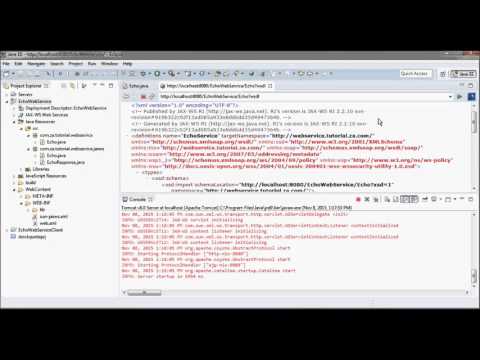
00:10 create a new web project (EchoWebService) running on tomcat 8
00:50 create a java project, a client for EchoWebService
01:20 create Echo class and annotate it as a WebService in EchoWebService web project
03:00 use wsgen from command prompt to generate Echo and EchoResponse jaxws webservice classes
03:45 copy the generated java files and place in EchoWebService project
04:31 download jaxws-ri zip file
05:00 unzip the download and place in WebContent/WEB-INF/lib directory of EchoWebService web project
05:50 create sun-jaxws.xml file under WebContent/WEB-INF of EchoWebService web project
06:36 code web.xml for the EchoWebService project
07:20 test run EchoWebService on tomcat 8
08:07 wsdl file
08:25 use wsimport from command prompt to generate web service client code
09:57 copy the generated java code to EchoWebServiceClient project
10:49 code Driver class for EchoWebServiceClient
13:38 test run EchoWebServiceClient
► get access to members-only video contents + support:
https://www.youtube.com/channel/UCUvwlMMaeppKPdtAK8PxO8Q/join
► website + download source code:
https://prototypeprj.com
https://ai.prototypeprj.com
https://crypto.prototypeprj.com
► download directly:
download ai source code @ https://sites.fastspring.com/prototypeprj/instant/ai
download crypto source code @ https://sites.fastspring.com/prototypeprj/instant/crypto
download source code (old) page # 2 @ https://sites.fastspring.com/prototypeprj/instant/2020
download source code (older) page # 1 @ https://sites.fastspring.com/prototypeprj/instant/all